Graphic Design for Beginners
- Level(s) of Study: Short course
- Course Fee:
£495
- Start Date(s): 7 October 2026, 14 April 2027
- Duration: Wednesdays, 6 pm to 8.30 pm, for ten weeks
- Study Mode(s): Part-time
- Campus: City Campus
- Entry Requirements: More information
Introduction:
Course dates:
7 October - 9 December 2026, Wednesdays 6 - 8.30 pm, ten weeks
14 April - 16 June 2027, Wednesdays 6 - 8.30 pm, ten weeks
Master branding, typography, and publishing – all while tackling real-world design projects.
Hone your professional and technical skills and develop a visual design language.
You'll go beyond theory, experiment with graphic design principles and develop your technical skills to thrive in the ever-evolving graphic design landscape. You will become familiar with techniques for working with images and fonts, designing layouts, crafting logos and visual identities and gain hands-on experience using Adobe.
Through working on a number of set and self-initiated projects, including client briefs, you will develop an individual portfolio of work in line with your personal ambitions and future career direction.
Aimed at the beginner with limited or no knowledge of graphic design, this popular introductory course combines theoretical and practical content with a professional, commercial perspective. It’s also open to anyone with some previous experience looking to refresh or develop their skills further and experiment in an environment with like-minded people.
-
 The development of ideas, the creative process and an understanding of visual language, layout and typography will all be included in this course to help you develop your knowledge of the different disciplines and skills associated with graphic design.
 -
 On this PC based course, you will create innovative compositions using words, pictures and colour through workshops and projects that combine theoretical discussions with practical applications.
 -
 The course is ideal if you are building your portfolio and can act as an introduction to the subject for those considering future studies or a new career.
 -
 On successful completion of the course, you will receive a digital certificate of attendance and a digital badge.
Here's what our previous attendees have said:
'I just wanted to say a huge thank you for leading such a wonderful course. Your course and coaching style has given me the first steps I needed to work towards a career within the design world. A massive thank you for the great motivation and one to one time you dedicated to me.'
‘A very good insight into graphic design and how it's done in the modern world. I finally got to grips with fairly complex programmes.'
‘I found the course very enjoyable, with a build-up in the level of difficulty. One to one feedback provided me with some 'ah-ha' moments, and demonstrations in software I have never used were great. I wanted to do the course to broaden my job prospects and learn from an experienced designer. I've taken away a portfolio and knowledge I can build on, and a better understanding on the theory.'
‘I learnt to use Adobe properly, and have learnt how to have an eye for colour. I enjoyed the one to one conversations and paying close attention to other people's work on the course too. The second project was absolutely exciting.'
'The tutor was great to work with, very helpful and encouraging! I now know this is the career that I want to pursue.' IC
'I've made lots of new friends! The tutor taught me a lot about Illustrator, he was a great tutor and shared his message well.' HB
'I wanted to do this course to see whether Graphic Design is worth pursuing. I've learnt lots of practical skills on Adobe software and the principles of design as well as gaining further resources for further study. I loved being able to use the library to study outside of the course! The tutor was AWESOME!' JF
'I really enjoyed the course, the tutor was excellent! He gave good guidance whilst being mindful of everyone’s own projects and needs.'
'I really enjoyed this course; it was exactly what I was looking for! I most enjoyed being able to do our own projects with guidance from the tutor as well as learning different effects and techniques on the Adobe software.' HW
'I wanted to do this course to gain a solid foundation in graphic design, developing design skills & a greater understanding of how to use the Adobe suite. I learnt lots of industry tips/websites, new skills to use in Illustrator & InDesign, and a clearer understanding of the reality of working within graphic design. I most enjoyed the step by step teaching episodes in InDesign/Illustrator.'
What you’ll study
The development of ideas, the creative process and an understanding of visual language, layout and typography will all be included in this course to help you develop your knowledge of the different disciplines and skills associated with graphic design.
You’ll dive into industry-standard tools like Adobe InDesign and Photoshop, looking at the key elements of graphic design: layout (grids and hierarchy), typography, colour, shape, pattern, and how to create designs which communicate specific information whilst researching, developing and realising graphic designs in response to a brief and experiment with the different applications of graphic design, from print media to digital.
You will create innovative compositions using words, pictures and colour through workshops and projects that combine theoretical discussions with practical applications.
The course will show you graphic design principles, branding techniques, and essential Adobe tools so you can create professional-looking designs.
On this course, you will:
- learn about graphic design and who’s shaping the design world - and apply this knowledge to your work
- work with typography in a creative and experimental way
- create layouts that communicate a clear message
- select and edit images and combine these with layouts and typography
- gain hands-on experience using Adobe software
- work to a commercial project brief and understand the processes involved, from initial research to final presentation
- critique your work and that of others to improve your knowledge of why some graphic design is successful, and others less so
- bring together the different disciplines within graphic design to create visually interesting and engaging results.
Throughout the course you’ll have plenty of opportunities to practice what you’ve learnt and receive constructive feedback with interactive and hands-on activities.
The course includes the use of graphic design software however it is not an introduction to software, but rather an introduction to graphic design principles. This course is about idea generation and problem solving within graphic design, which tends to be new to people. You will learn how to apply these principles creatively, focusing on developing original concepts and effective visual communication.
By the end of the course you will have a robust understanding of graphic design principles.
You’ll have developed your proficiency in Adobe InDesign and Photoshop and built skills in crafting compelling graphic designs, leave with strategies for maintaining visual consistency in print and digital media, and have created assets for your portfolio.
You’ll have increased your confidence in your own skills and feel inspired to continue designing after the course, with an understanding of how the graphic design industry works, including the interpreting of design briefs.
Here’s a breakdown of what you’ll study during the course.
- The Role of a Graphic Designer
- Introduction to Adobe Creative Cloud
- Logos and Fonts
- Graphic Design Principles and Terminologies
- Practical Skills
- Portfolio Preparation
Learn about, and begin to practise, the process behind effective graphic design. Focus on topics such as typography, image-making, branding, packaging, and editorial design.
You will consider the role of a graphic designer, different areas of graphic design and graphic design principles, thinking about what you want to get from the course. You will consider:
- Editorial and book design
- Food and drink design and packaging
- Graphic artwork for retail
- Graphic design for print
- Logos and branding
- Music and event posters
- Marketing and communications
- Typography
- Web
- Wedding Stationary
Introduction to Adobe Illustrator
You’ll get stuck in to using Adobe Illustrator and look at how to use the software for your designs and learn how to:
- Work in vector
- Set a grid
- Fill and stroke using colour swatches, libraries and modes like RGB and CMYK
- Build layers, artboards and paths
- Use tools such as pathfinder, align, image trace, transform, expand and transparency to adjust forms and shapes.
There is an optional homework around fonts to create a collaborate alphabet by the end of the course.
Introduction to Adobe Photoshop
You’ll have an introduction to this raster based software and learn how to use:
- Selection tools
- Smart Objects
- Type, and consider when it is most appropriate to use Photoshop with text
- Layering
- Transparency Effects
- Colour Scheme tools
Introduction to Adobe InDesign
You’ll practice using InDesign, working with:
- Type
- Ratios
- Font pairing
- Setting up a modular grid
You will learn how to do logo tracing. You’ll also experiment with other tools (Blend, Halftone, Pen Tool, Shape Builder and AI).
You’ll consider how fonts impact your design and how to review licensing terms for your project requirements, whether that’s for commercial use or to modify the font.
You’ll expand upon your knowledge of each principle of graphic design:
- Unity
- Contrast
- White Space
- Hierarchy
- Repetition
- Movement
- Proportion
- Pattern
- Variety
- Balance
Understanding a Brief
You’ll understand how to read a brief and understand direction working to a brief provided from a client. You’ll consider brand guidelines within your designs, what the key deliverables are for the project brief and consider ways to get inspiration.
Idea development
Working on the project brief, you’ll continue to work on your designs, idea development and learn about working documents, and the best ways for saving and exporting files.
You’ll receive further assistance on Adobe Illustrator and feedback on your work to the brief.
Developing a brand identity
You’ll focus on developing your own brand identity and learn how to make mock ups and assets.
This final session will be used for you to create your portfolio showing what you’ve learnt on the course, or work on something you have an interest in with the tutor’s help.
You’ll have time to finish the tasks you’ve started throughout the course and run through any of the processes again with your tutor.
You’ll consider how to put together your portfolio of work, the best way to export files and share with potential clients.
You’ll also leave with a toolkit of resources for you to use on future projects:
- Inspiration Sources
- Ratio Calculators
- Images Libraries
- Asset Websites
- Font Websites
- Software Cheat Sheets
- Tutorial Websites
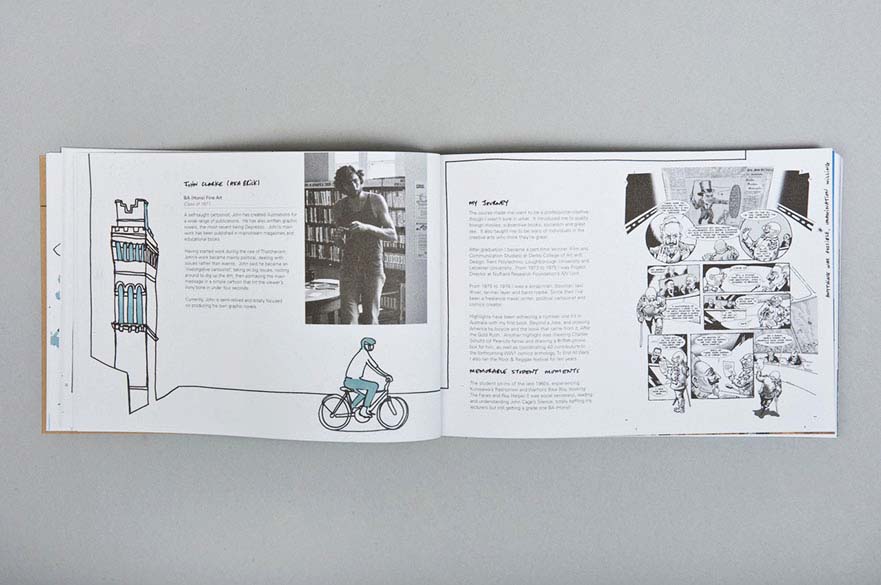
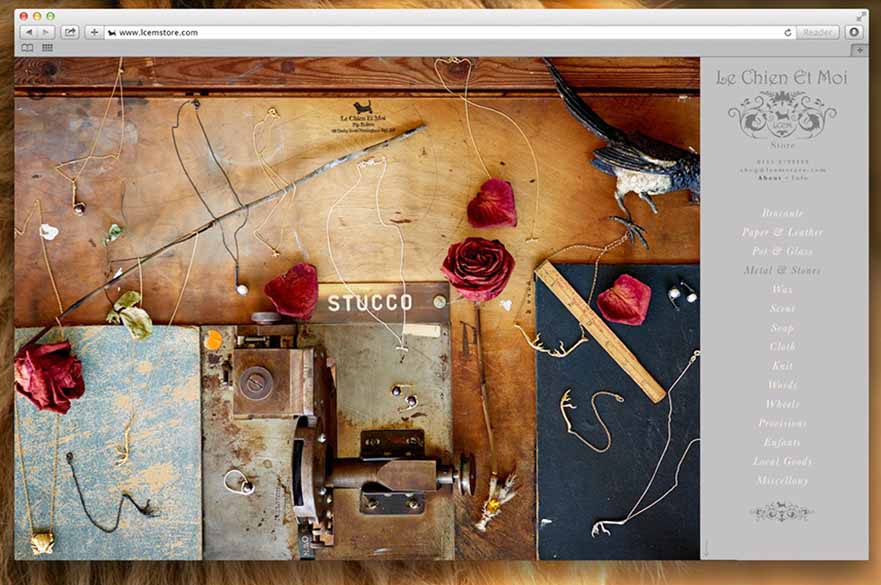
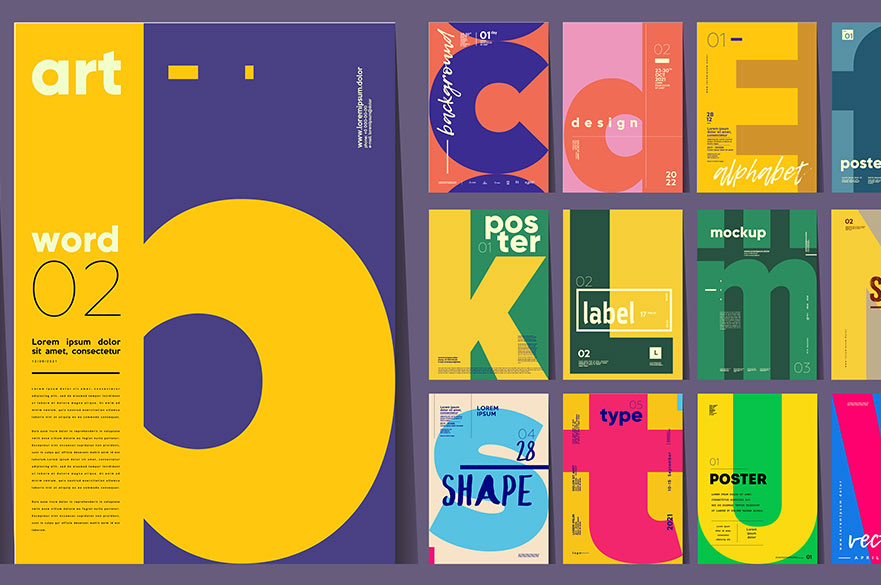
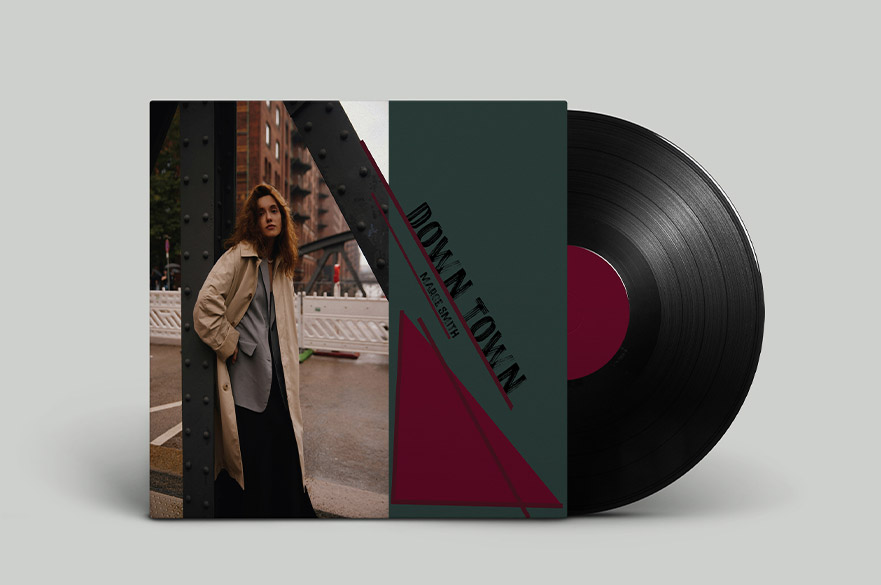
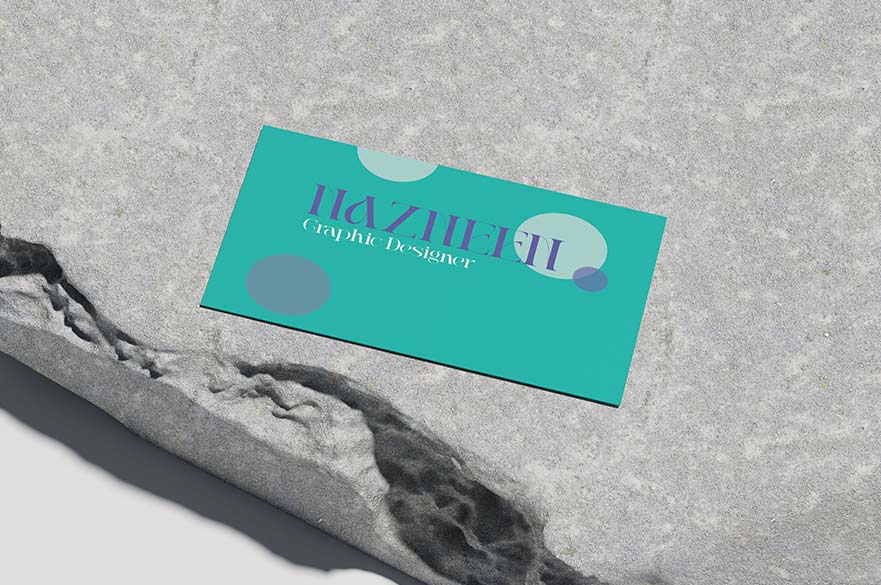
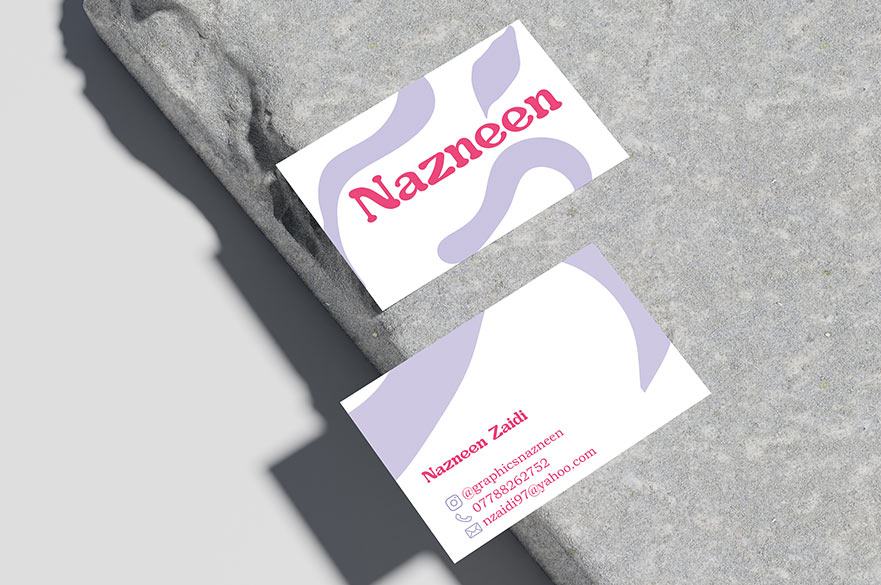
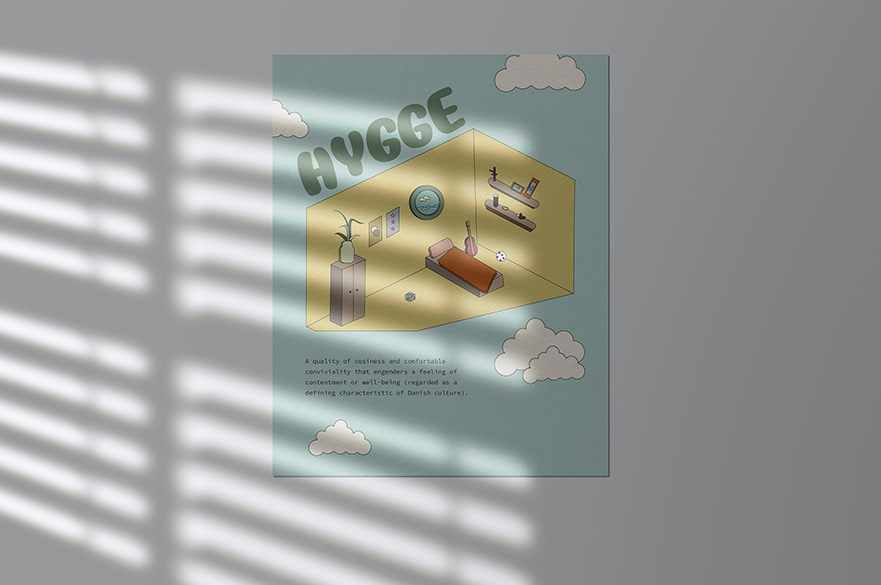
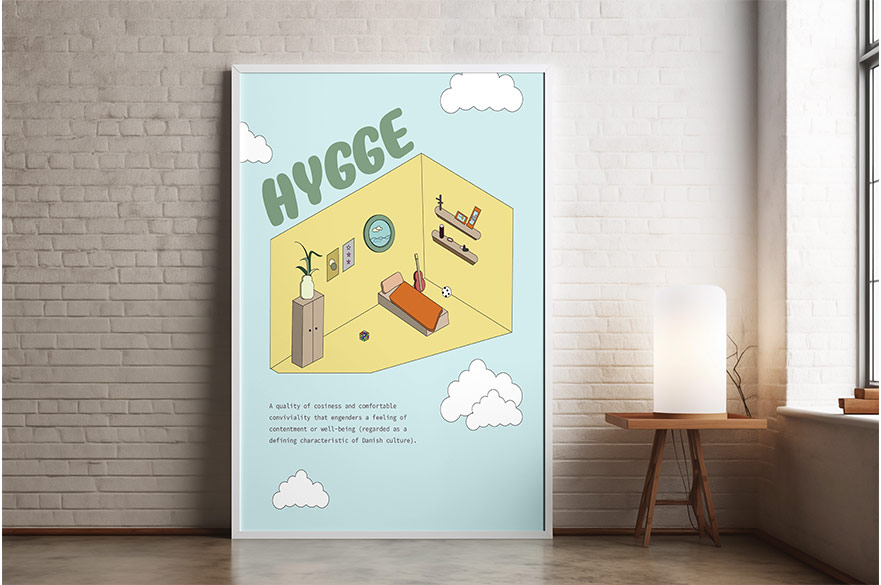
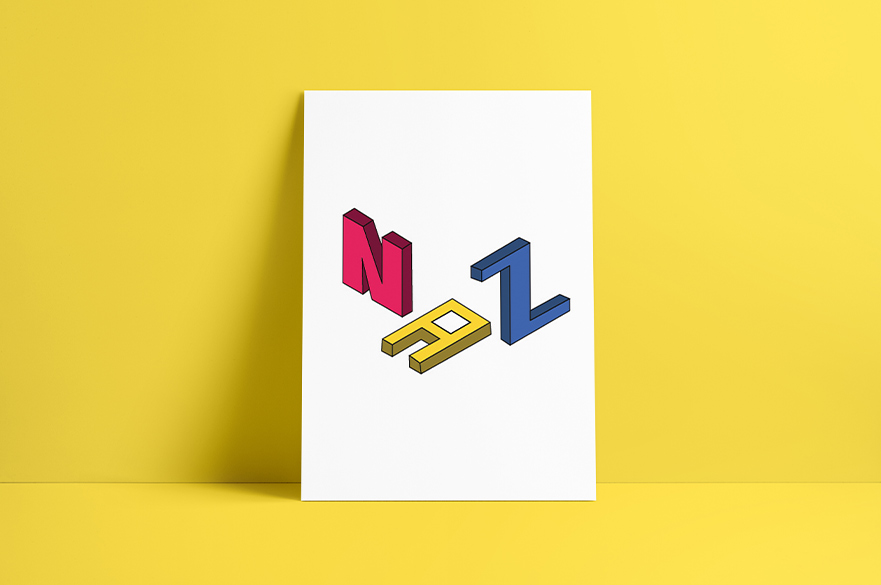
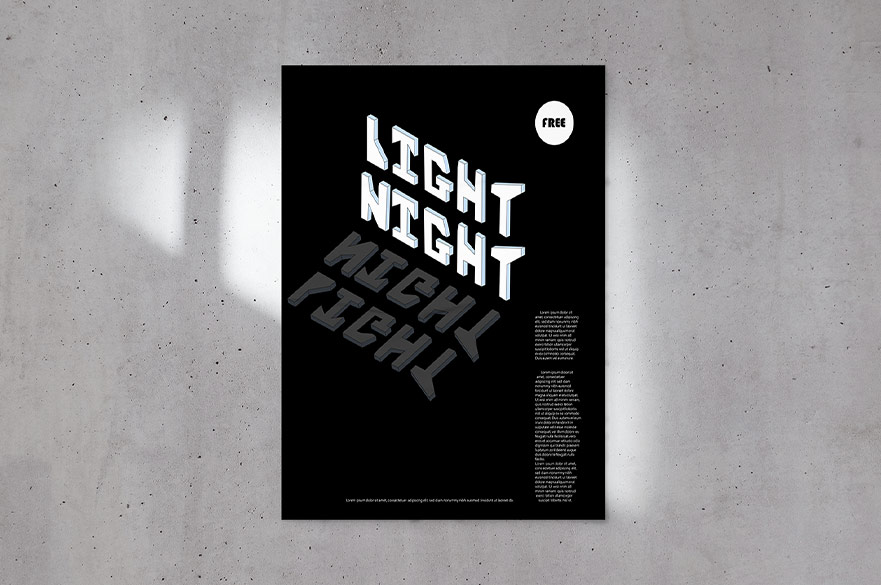
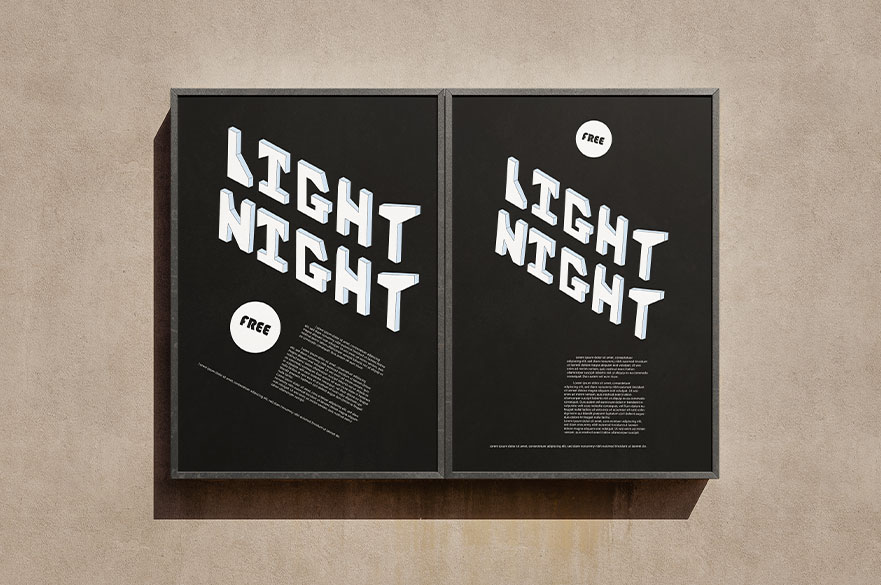
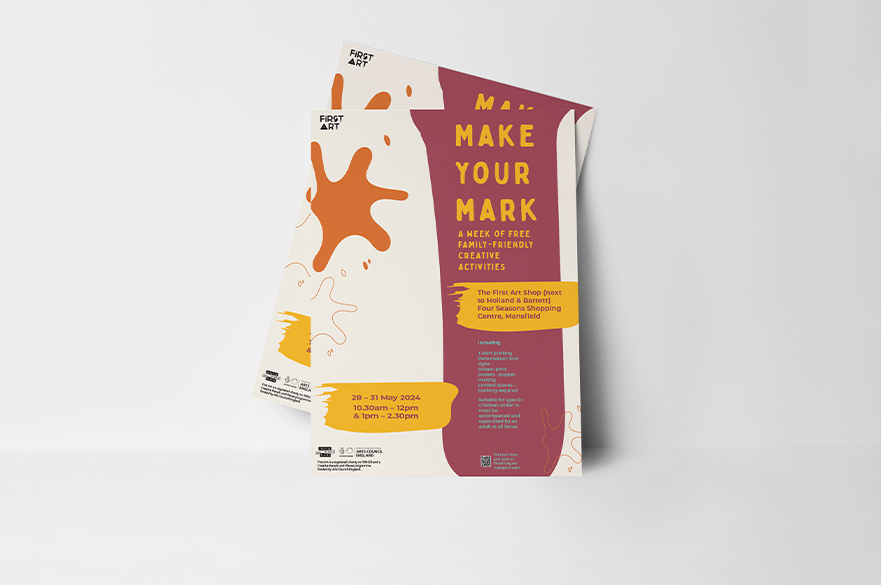
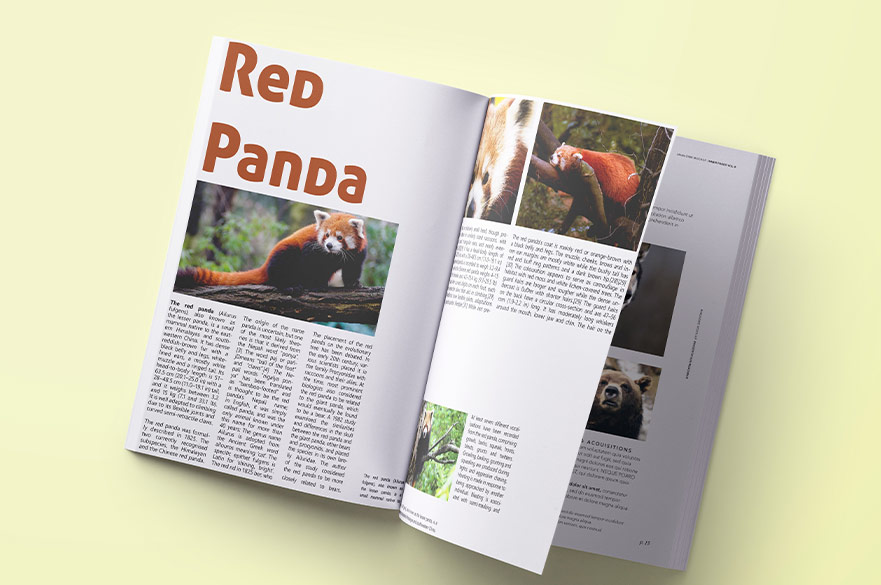
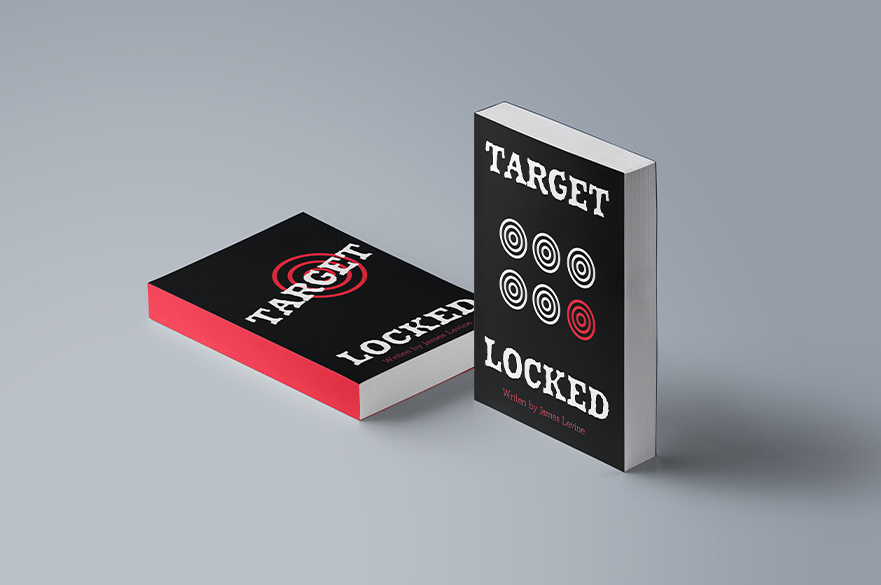
Student Work

How you’re taught
This course will be delivered in person on Nottingham Trent University city campus.
Contact hours
You will receive 25 contact hours of quality tuition with an experienced tutor.
Careers and employability
The course is ideal if you are building your portfolio and can act as an introduction to the subject for those considering future studies or a new career.
Our previous students have gone on to work across various roles such as freelance graphic design, teaching, art direction, branding and identity, and marketing.
Certificate of attendance and digital badge
Upon successful completion of the course, you will receive a digital certificate of attendance and a digital badge powered by Accredible.
Your digital credential is more than just a certificate – it’s secure, verifiable, and protected against fraud through encryption and blockchain technology.
They also come with detailed metadata, including an overview of the skills you have achieved on the course, evidence of completion, and assessment criteria if appropriate.
Share your achievements seamlessly with friends, customers, and potential employers online, and proudly add your badge or certificate to social media platforms such as LinkedIn, so all the right people can see it.
Campus and facilities
You will be based in the Nottingham School of Art and Design on the City Campus in our new Design & Digital Arts Building.
You'll have access to industry-standard facilities which include collaborative studio spaces, future technology suites and exhibition spaces. You’ll work in our spacious Mac suites equipped with industry standard software including Adobe Creative Cloud.
You will receive an email one week before the course starts with joining instructions on where to go for the first day.
You’ll also have access to our library to use outside of your short course; whilst you can’t reserve or take away books, you are welcome to use them as a resource for research and referencing.
Entry requirements
Level: Beginner
Entry requirement: This course is open to anyone either new to graphic design principles or for those with some experience who want to refresh or develop their skills further.
No software experience is required, although you must have basic computer skills and be familiar with Windows operating systems and file management.
If you’re looking for a course solely to learn software skills, take a look at our courses in Adobe InDesign, Adobe Photoshop, Adobe Illustrator and Adobe After Effects for Motion Graphics.
You must be over the age of 18 in order to attend this course.
Fees and funding
The fee for this course is £495.
Payment is due at the time of booking - ask us if you'd prefer an invoice sent to your company.
Your course fees cover the cost of studies and include great benefits such as the use of our modern library and free use of the IT equipment and software on the campus during your course.
Please bring with you to the first session:
- drawing materials (pencils, felt-tips, gel pens etc)
- notepad and pens
- a memory stick.
If you would like to do some pre course reading:
- Know Your Onions: Graphic Design by Drew de Soto.
You can read the terms and conditions of booking here.
How to apply
You can book your place via the NTU online store:
7 October - 9 December 2026, Wednesdays 6 - 8.30 pm, ten weeks
14 April - 16 June 2027, Wednesdays 6 - 8.30 pm, ten weeks
Browse all our design and digital arts short courses.
Any questions?
Contact the short course team:
- Email: creativeshortcourses@ntu.ac.uk
- Telephone: +44 (0)115 848 2813